Data Scraping Studio is an integrated and scalable platform that has been built to power your data scraping project. The aim behind this software is to make an automatic and advanced data extraction engine so the user can enjoy a fast data collection experience.
Data Scraping Studio is used to extract data from web pages, Ajax sheets, XML, JSON, and many more. It provides many services to the users that we have described in the section below. Key services provided by this tool are: expert setup, maintenance, better performance, unlimited users, priority execution, and expert support.
For ease of understanding, Data Scraping Studio provides a Help Center including Documentation, a Forum, Video tutorials, and API documentation.
Three Products:
1. Cloud-Hosted Web Scraping App
2. Desktop App
3. Chrome App.
1. Cloud-Hosted Web Scraping App
This Application provides crawling the web to extract the data from static and dynamic websites automatically.
Features:
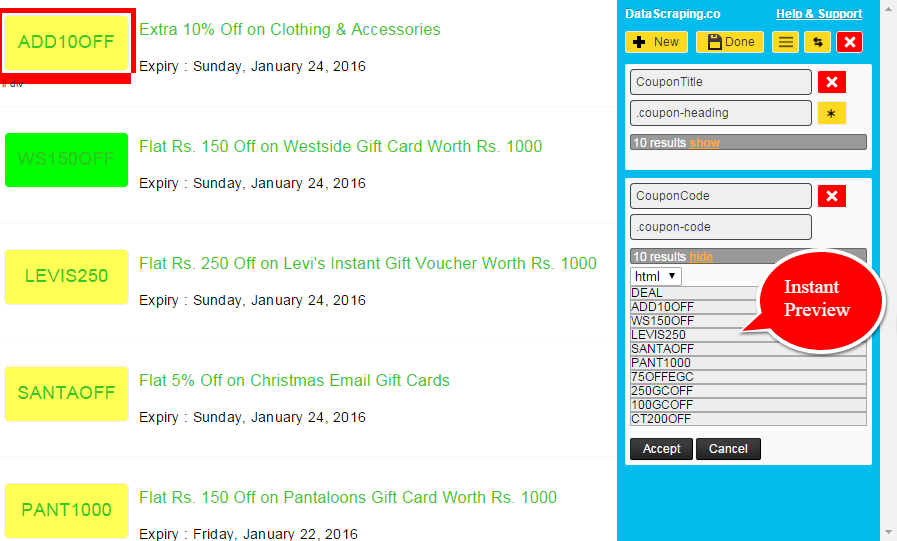
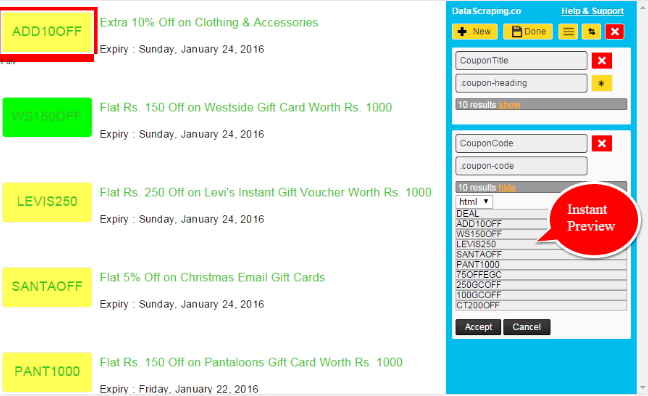
- Easy Setup: You have to setup your agents with simple and powerful point-and-click chrome extension which is designed to create web scraping so that agent can quickly use CSS collector. It provides instant result review and advance mode for custom CSS selector.
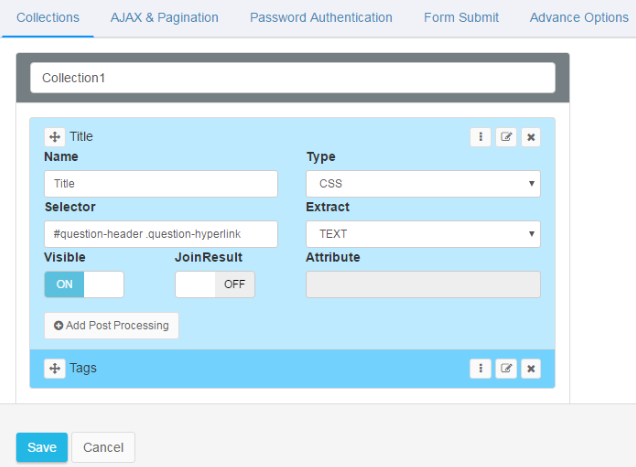
- Advance Agent Editor: This feature allows you to add or remove fields by just clicking on the tab and you can use simple post-processing functions to replace, insert, or append the data into the results. For changing the configuration, a drag and drop facility is provided.
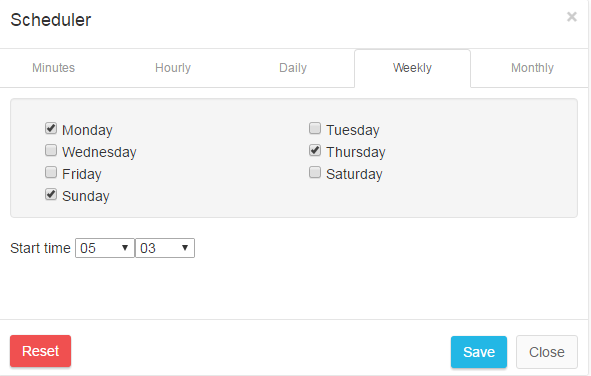
- Advance Scheduling: Advance scheduling allows the agent to run hourly, daily, weekly or for any specific time in a week to scrap the data automatically which will help to keep your data up to date.
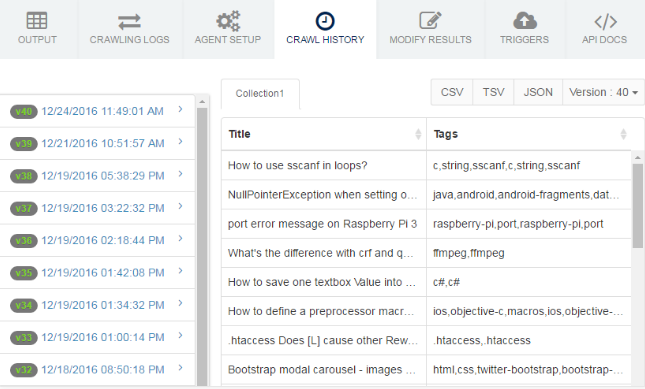
- Historical Data: It will allow you to see your previous run results for a particular agent by version and execution date. You can also download this data. Historical data also provides business intelligence and customized data retention policy.
2. Desktop App
Data Scraping Studio is a standalone desktop software for fast web extraction from websites using CSS selectors or REGEX.
Features:
- Easy Setup: Setup is same as Cloud hosted web services.
- Simultaneously Crawling: This feature allows you to extract data from multiple website at the same time by choosing agents for particular sites.
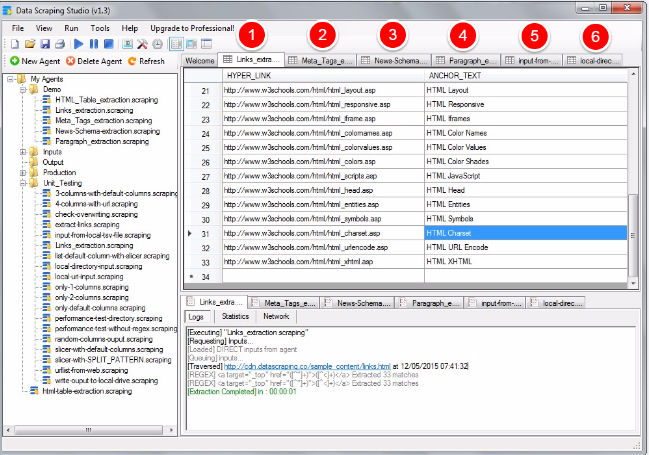
- Batch URL Crawling: If you want to extract many pages at one time then it is possible with this software. It supports multiple batches crawling so that you can just enter the URL list manually and the agent will traverse each and every URL and it will extract the data for you.
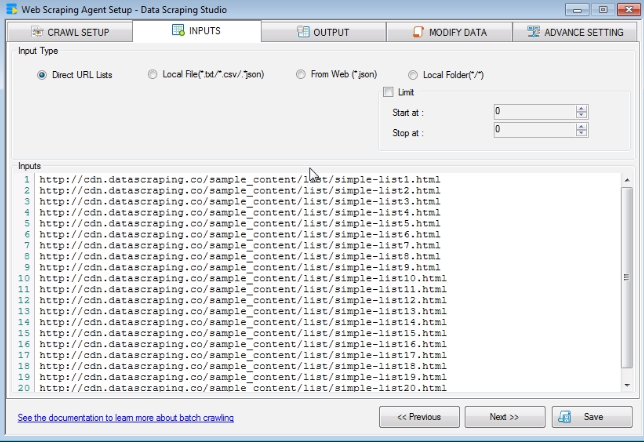
- Data Export: You can setup the location for the results to store the extracted data. Supported output formats are: CSV, TSV and JSON.
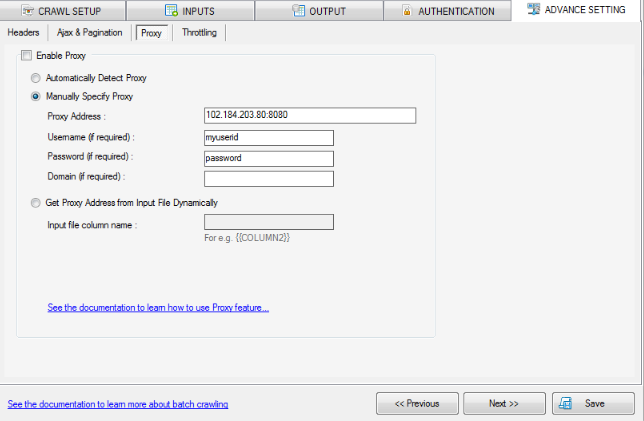
- Anonymous Web Scraping: This feature is designed to use HTTP Proxy as best practice of Anonymous web scraping. You can use automatic proxy detection to let the software read the proxy configuration from IE.
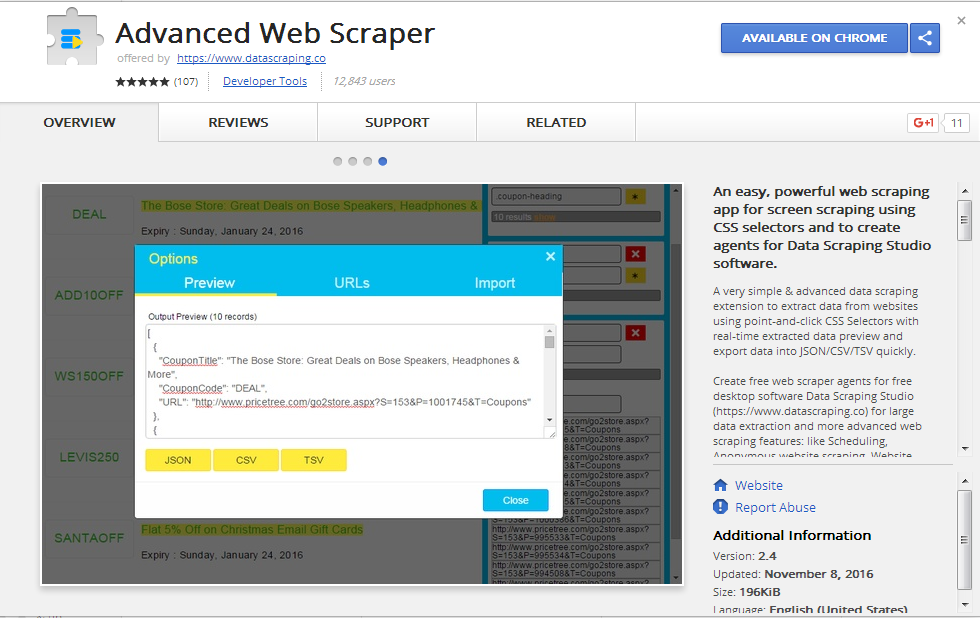
3. Advanced Web Scraper
This is just a Chrome extension. You can get this from the Chrome web store. Go to any website and launch this extension to extract the data from a particular website.